Your Worldline account: Login and data management

Übersicht
Your card payment has been activated, and you have received a confirmation email from us and Worldline? Congratulations!
As soon as you have created a password for your Worldline account, you can log in to reports.bambora.com and view, download and manage your saved data as well as your sales and transactions.
This page gives you an overview of where to find the data stored in your Worldline account, what to do if you want to change your data, and how to cancel your contract with Worldline.
How do I log in to Worldline?
- Log in at reports.bambora.com with your Worldline access data:
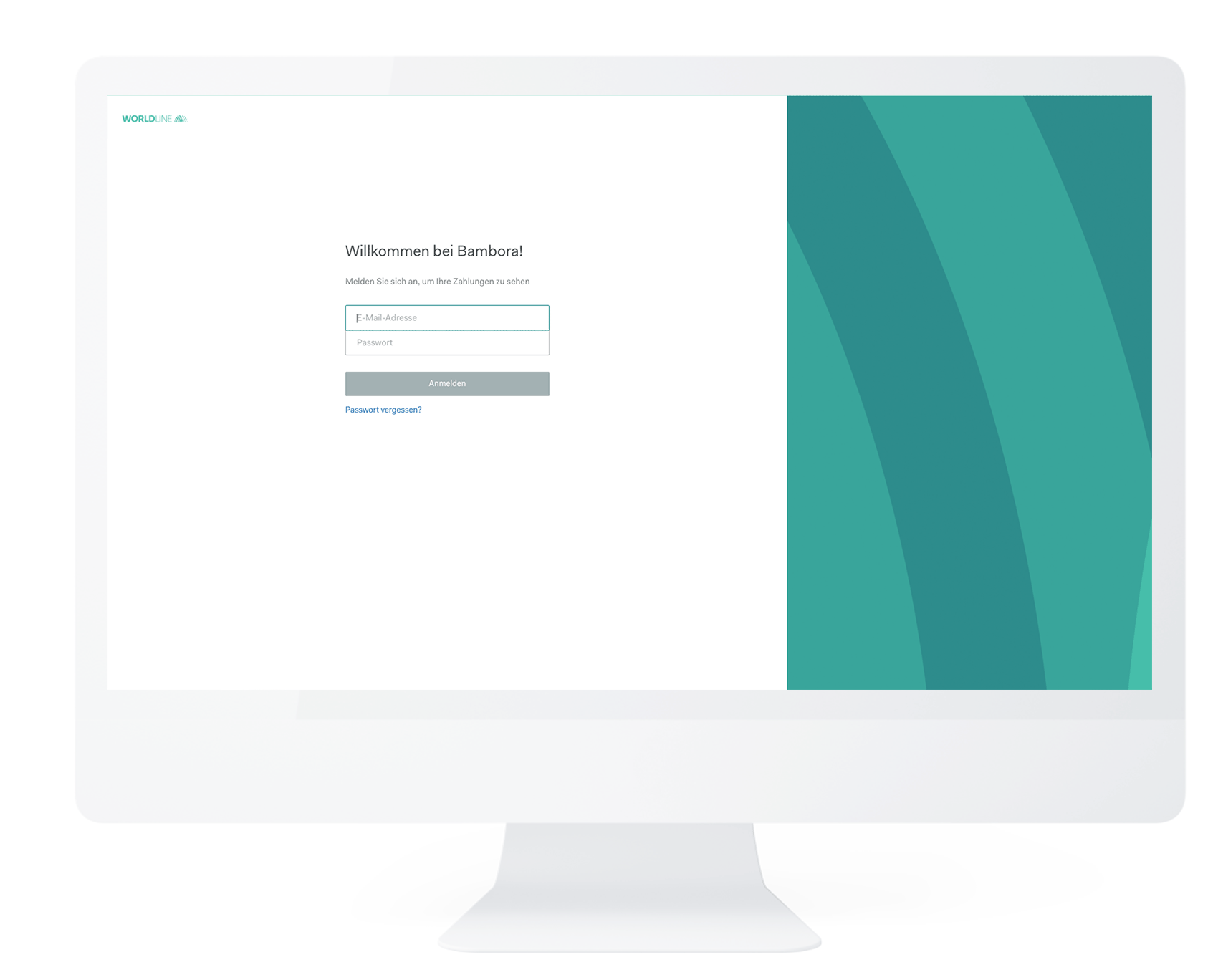
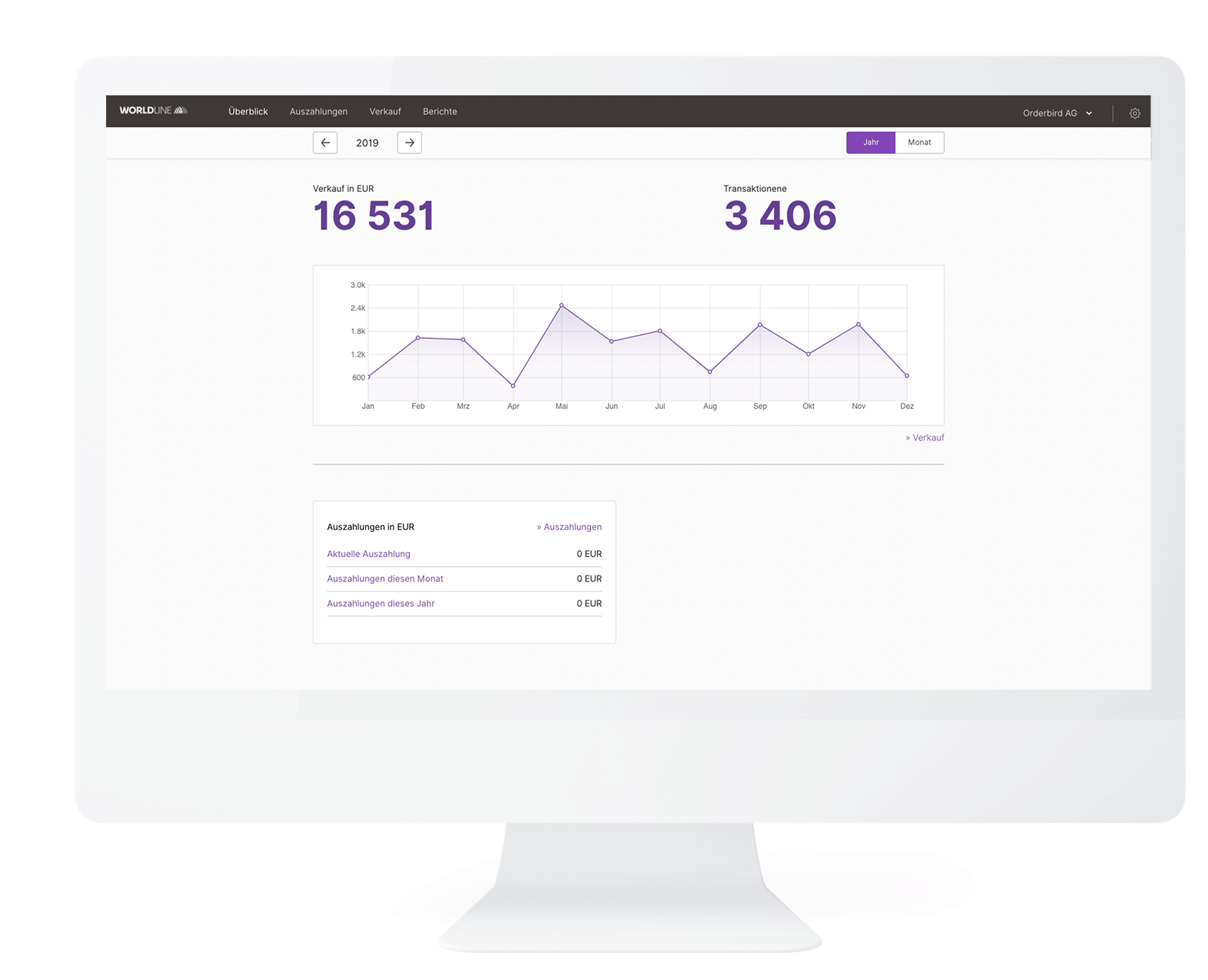
- After successful login you will see your start page including a graphical overview of your transactions, payouts and average sales. After some time and a few transactions, it will look like this:
Where can I find the information saved in my Worldline account?
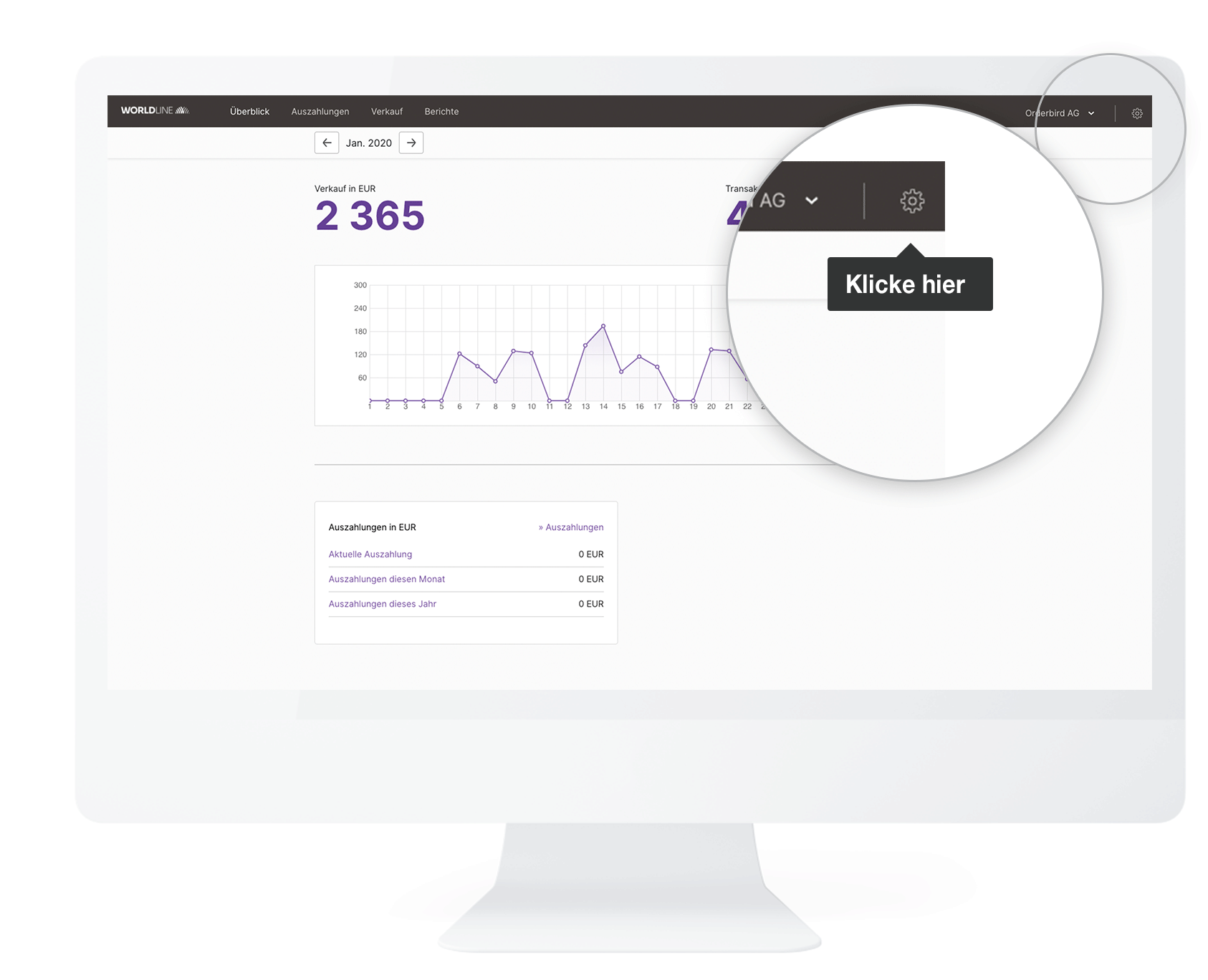
- In the upper right corner, you will see a cogwheel. Click on it once.
-
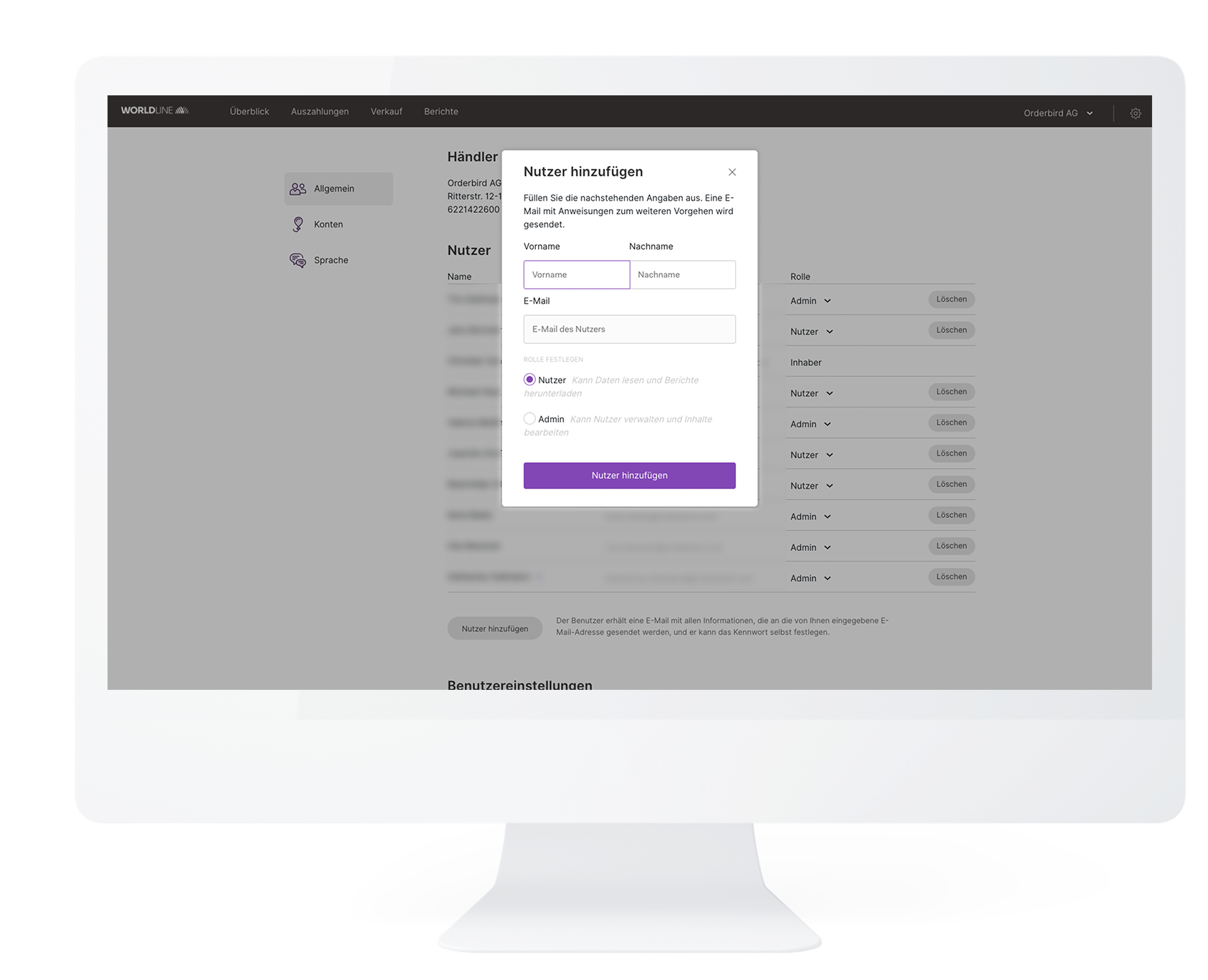
In the "General" section you will see your stored address, your Worldline Merchant ID, as well as all currently stored users who have access to the account.
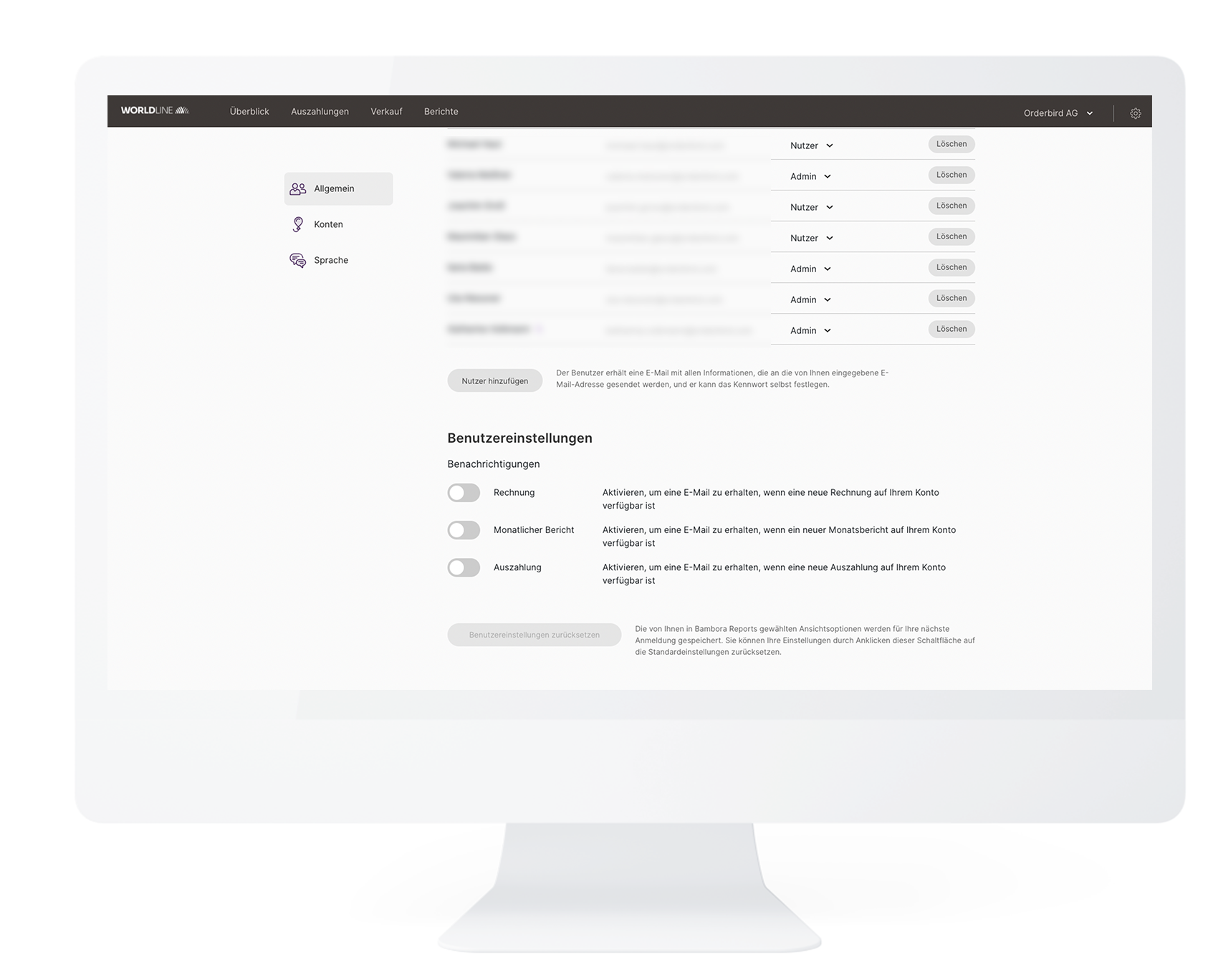
- You can create new users as administrators or simple users by clicking on "Add user":
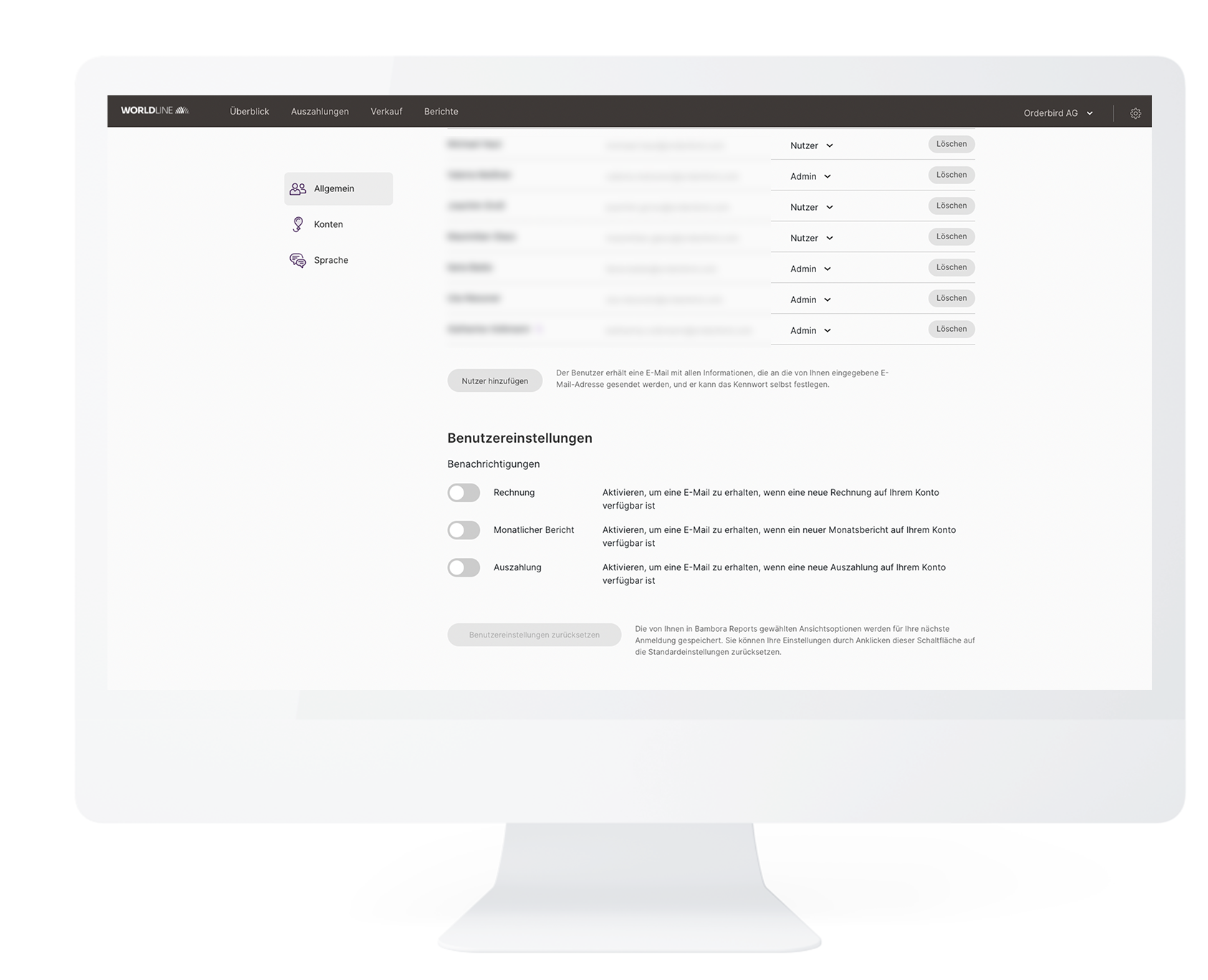
- Under the user settings further down, you can also define which notifications you want to receive:
-
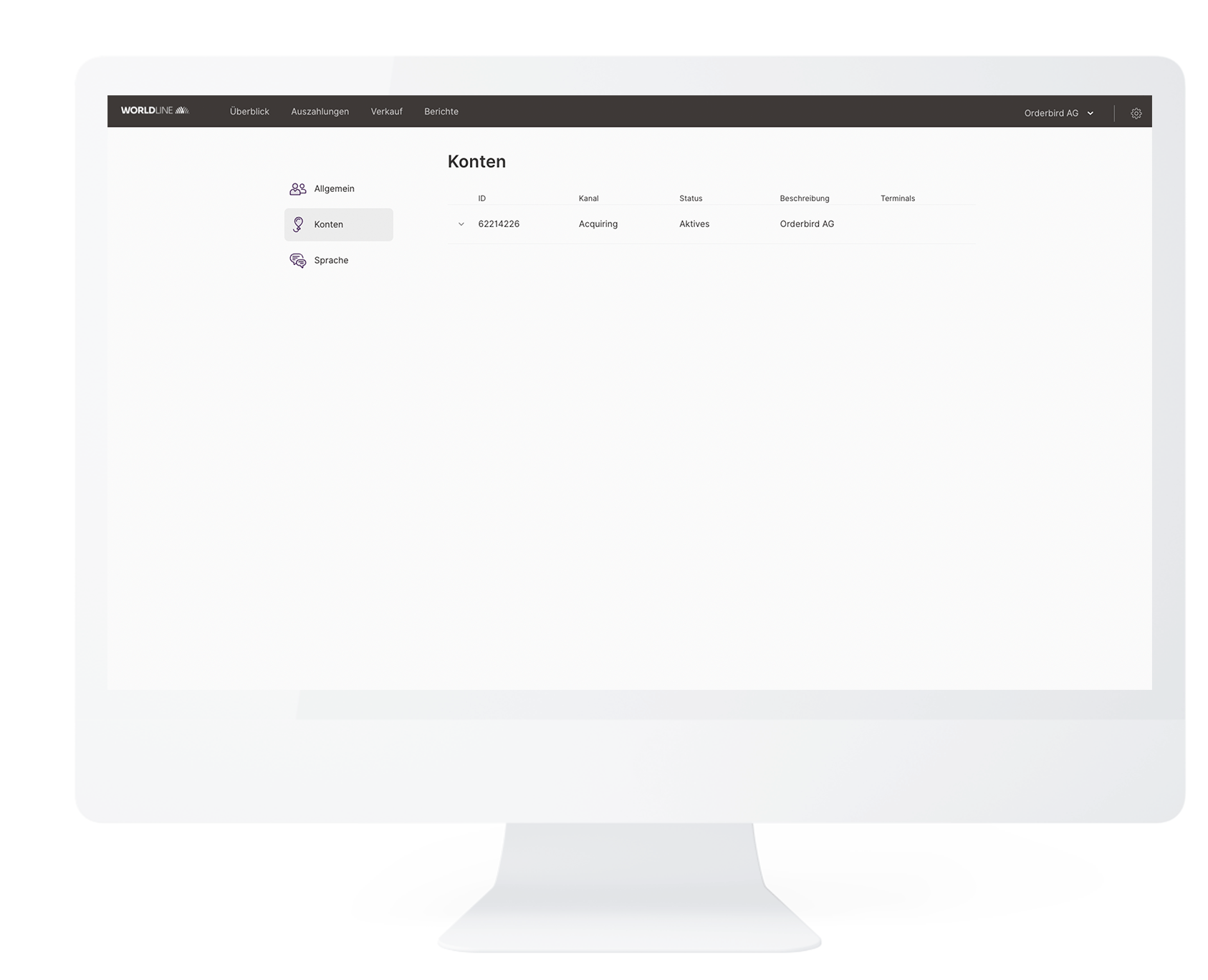
In the "Accounts" area, you can see all your stores working with cashless payment within your company
-
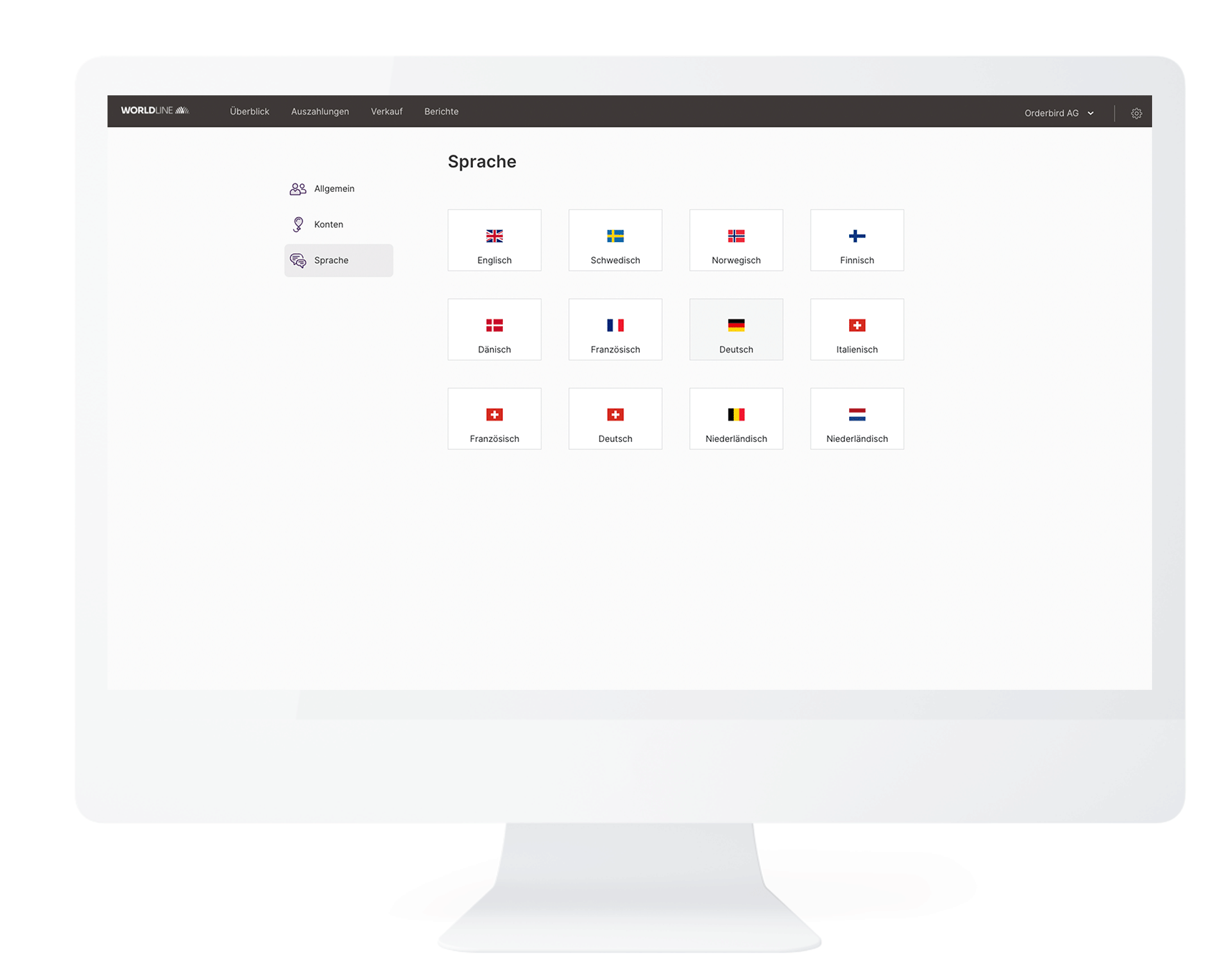
In the "Language" section, you can change the language for your Worldline portal.
What do I have to do if my data has changed?
That depends on what has changed for you:
The contact data
You want to update your name, address, phone number or e-mail?
Then please tell us your new data via our contact form or chat in MY orderbird or on your MINI device itself. We will forward the new information to Worldline for you immediately!
Bank details
Please contact us via our contact form or chat in MY orderbird or on your MINI device itself. We will then send you a form to change your bank details by email. Sign this form and send it back to us together with a proof of your new bank account (e.g. a bank statement).
It takes about 24 hours on workdays until your account details are deposited. From then on, you will receive your payments directly to your new account.
The tax number
In this case, a new contract with orderbird and Worldline is due! To do this, your data must be deleted from the app. Once you have re-registered, you will automatically receive an email with a link, and you can register again with Worldline (see also Step 2 - Activate your card payments with Worldline).
Remember to cancel your old contract with Worldline. You can find out how to do this below.
The company form
In this case, a new contract with orderbird and Worldline is due! To do this, your data must be deleted from the app. Once you have re-registered, you will receive an email with a link and can register again with Worldline (see also Step 2 - Activate your card payments with Worldline).
Remember to cancel your old contract with Worldline. You can find out how to do this below.
How can I cancel my contract with Worldline?
You need to submit a notice of cancellation? To do so, the signatory of the contract or the manager must inform us via the contact form. Please give us the tax number of your company and the reason for the cancellation.
You have a notice period of 6 months.
Super convenient for you: Since you have no ongoing costs, the contract ends for you without any additional costs!
We will take care of the rest for you. Once you have received a final e-mail, everything is done.